Beginner Fitness App
Start Tracking Workouts the Simple Way
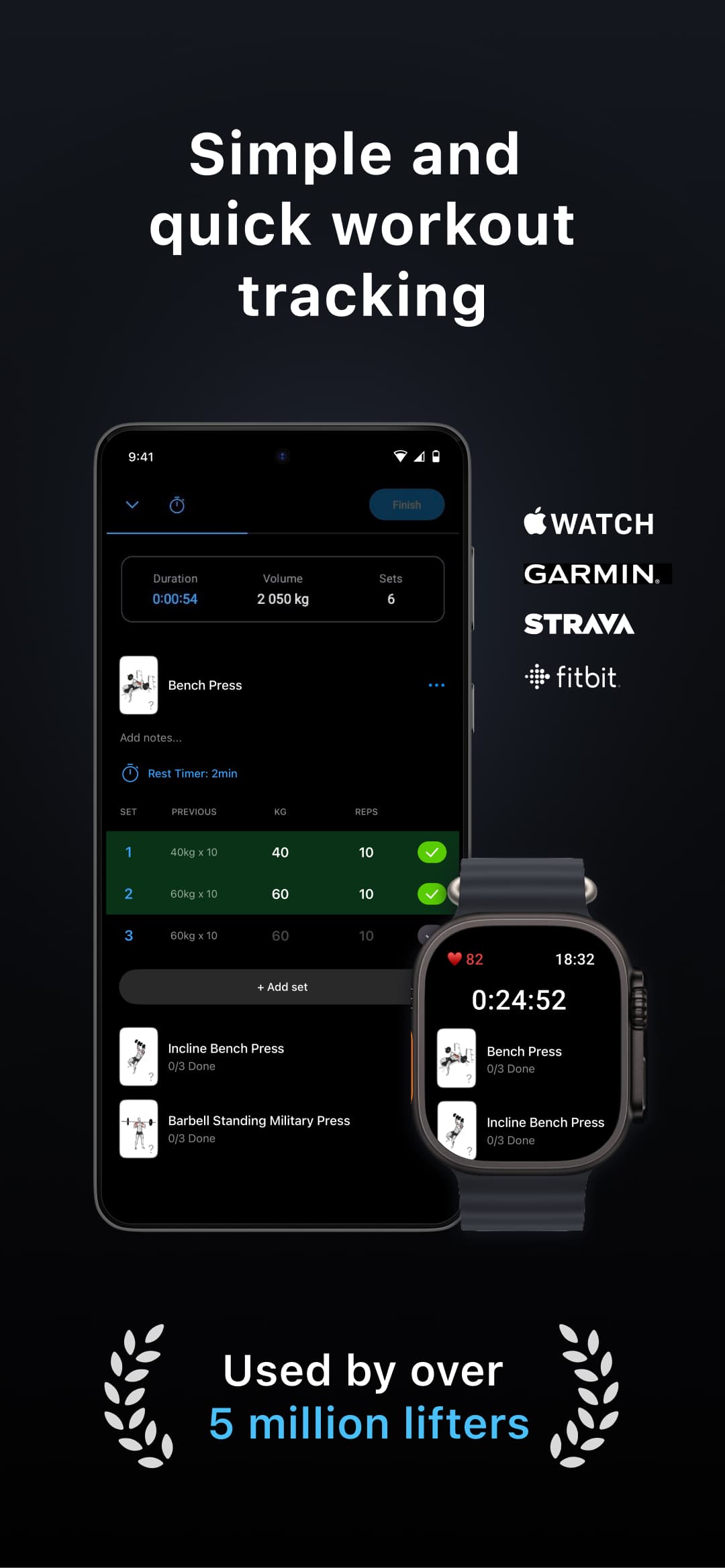
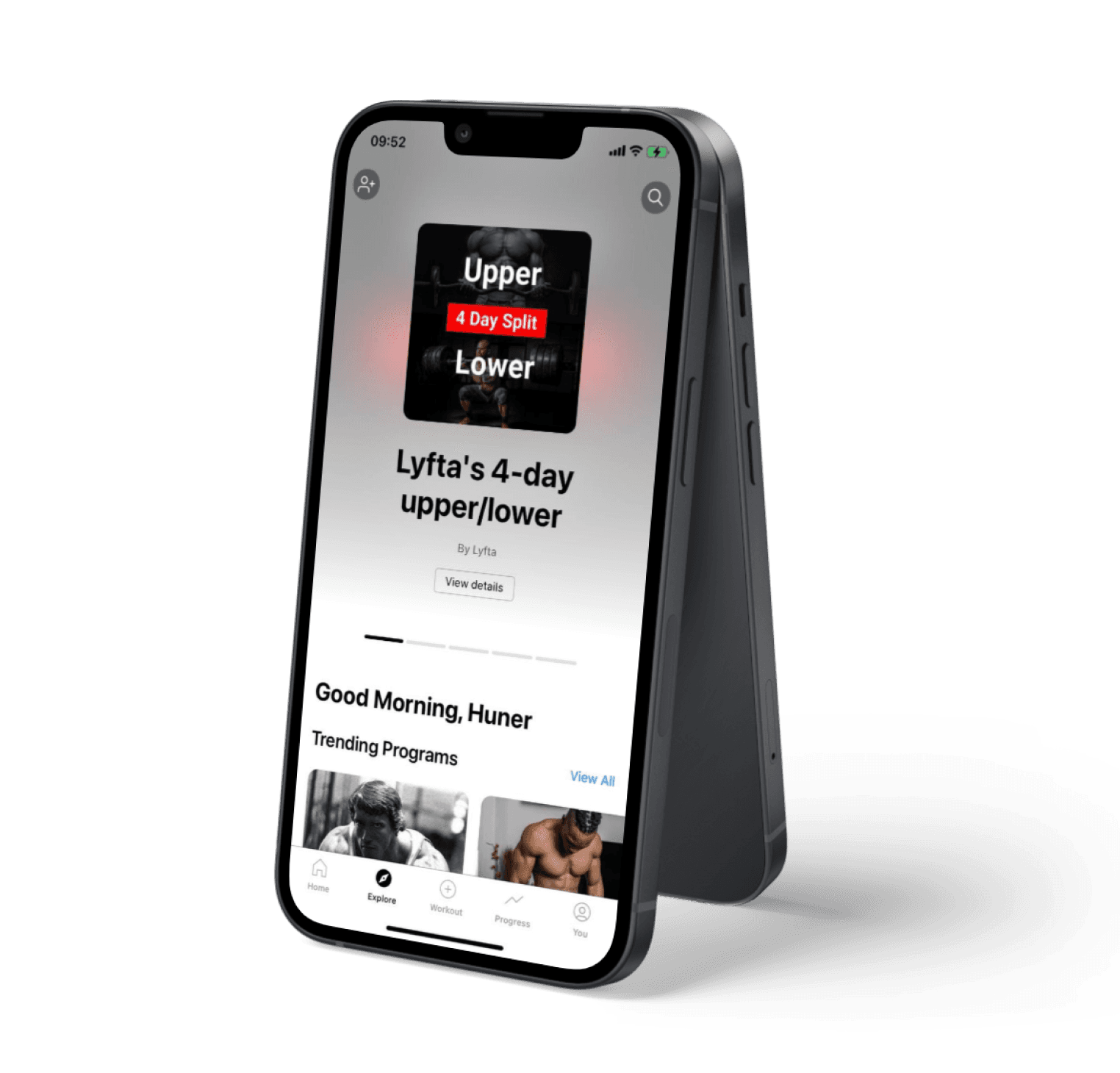
New to the gym? Lyfta is a free beginner fitness app for iOS and Android that makes it easy to start tracking your workouts. Every exercise has an HD video showing you exactly how to do it, so you can learn proper form before you lift. Log your sets and weights, see your progress over time, and build the habit of consistent training.


Join the community of 7M+ users
How to Start Using a Fitness Tracker
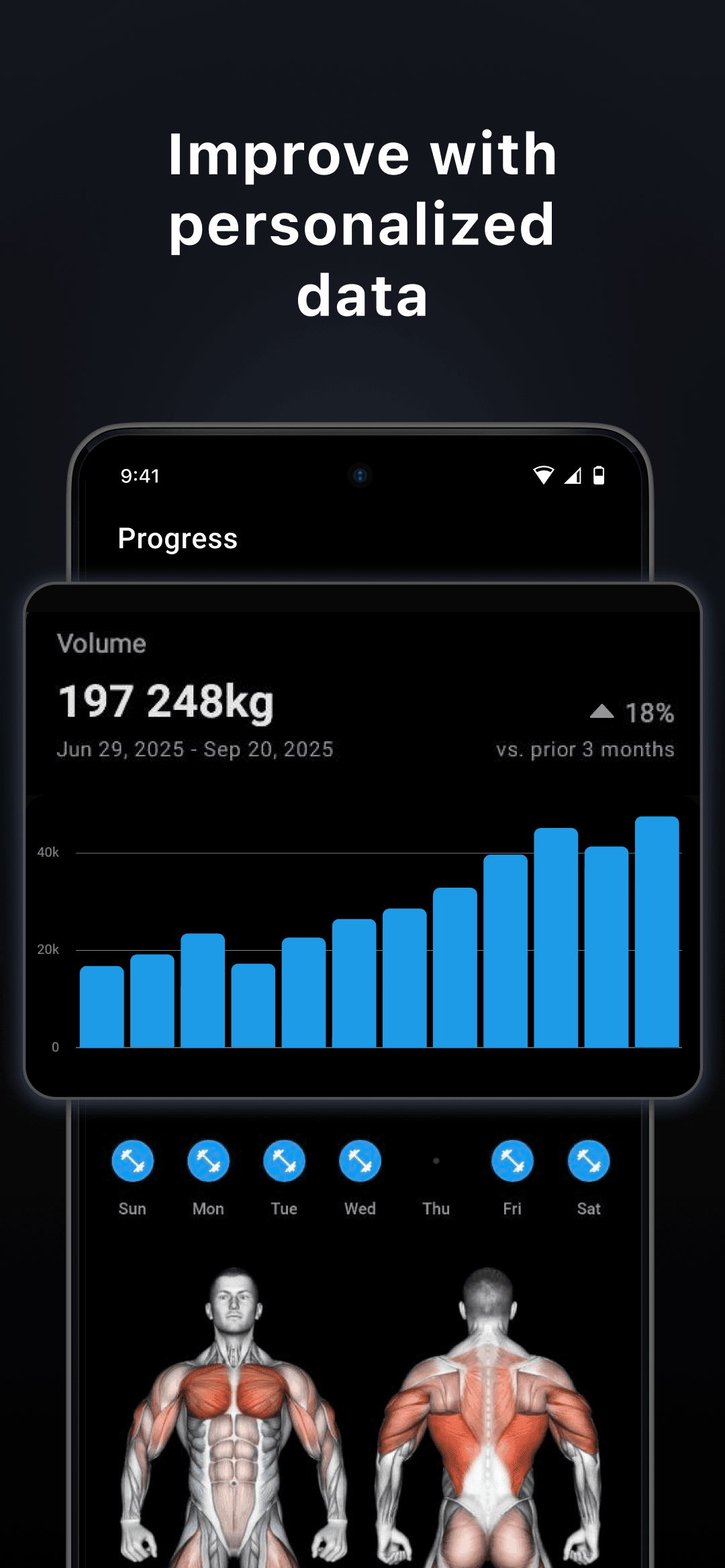
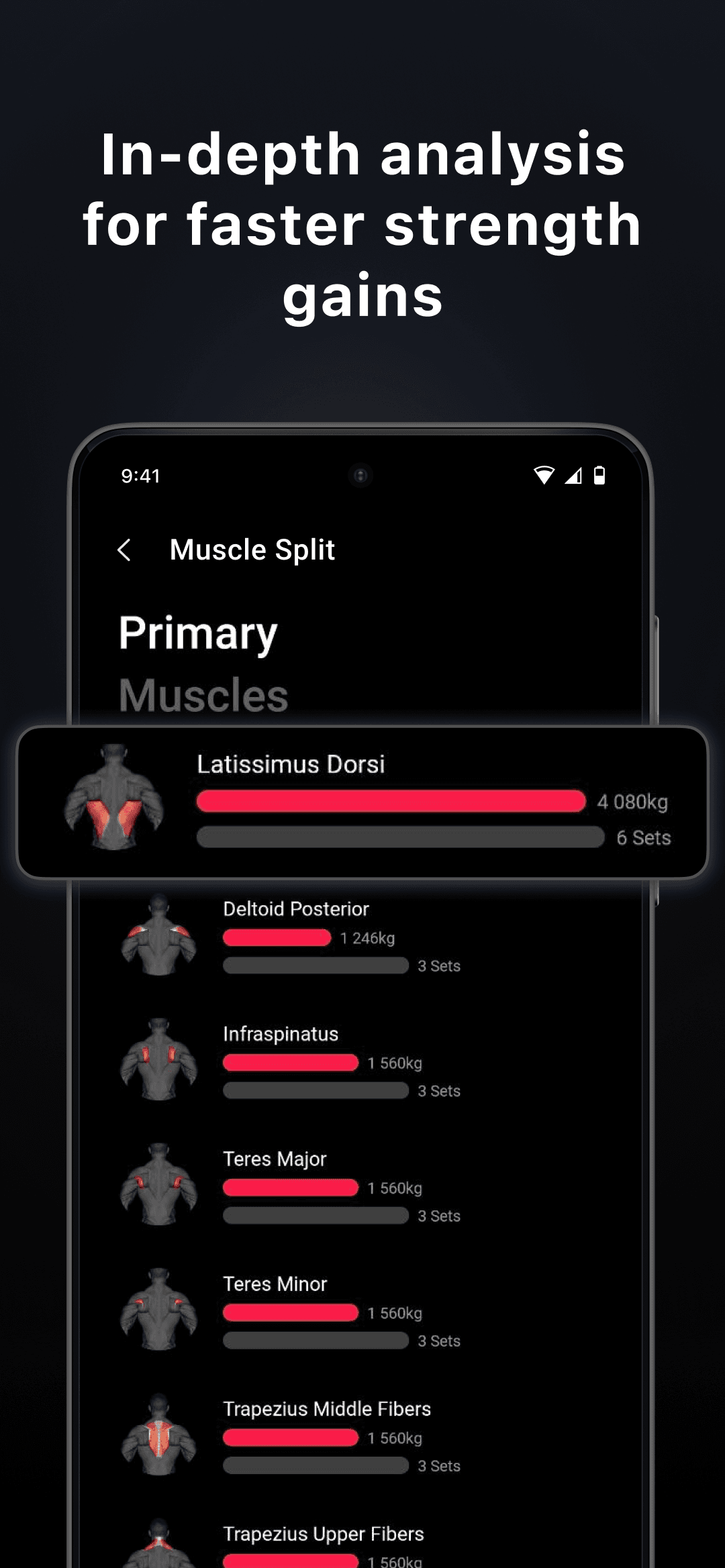
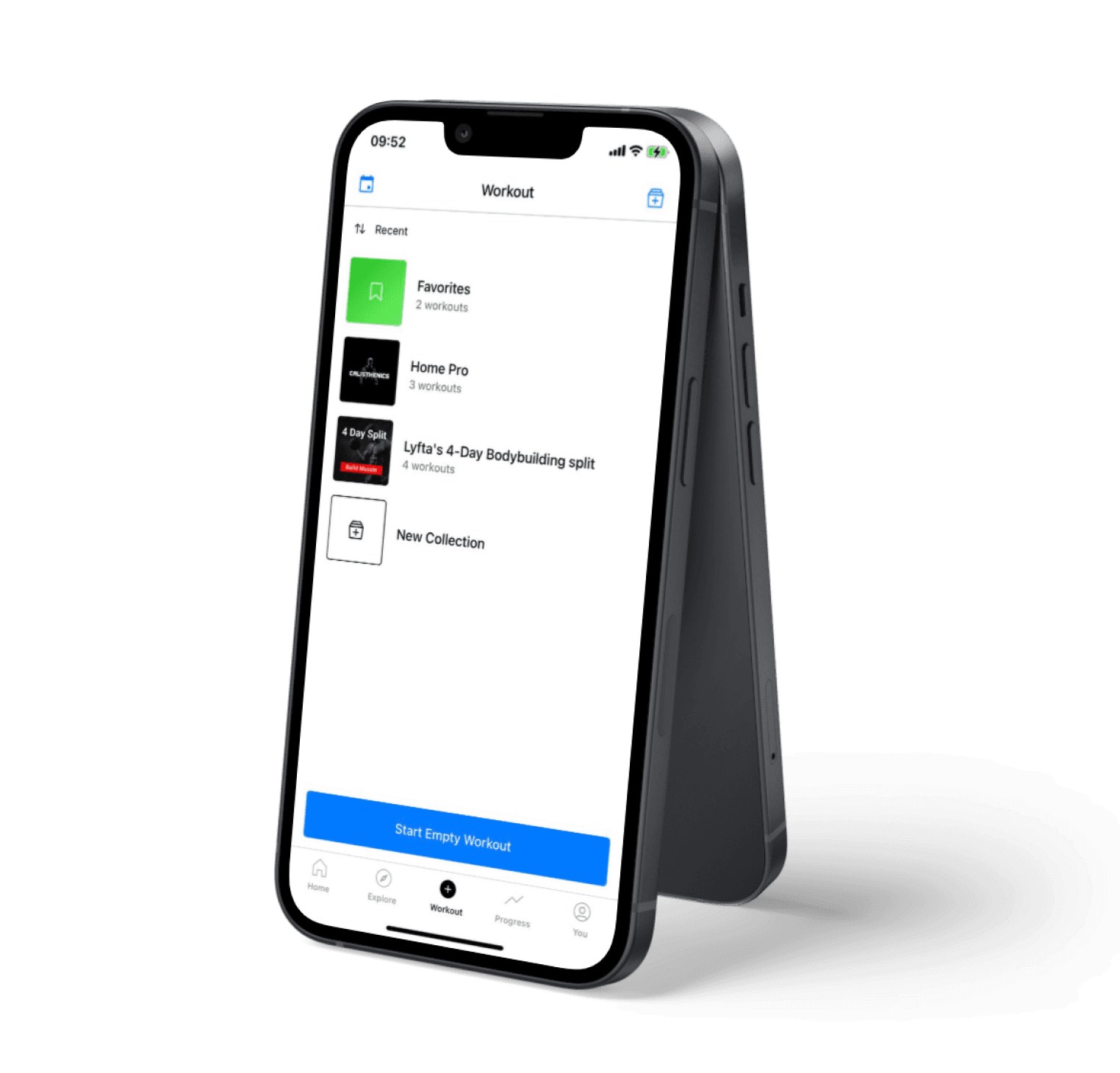
Starting a fitness tracker is simpler than most people think. Pick a basic routine — even just a few exercises — and log what you do each session: the exercise, the weight, and how many reps you completed. Lyfta saves everything automatically. After a few weeks, you can look back at your history and see that you are getting stronger. That feedback loop is what keeps beginners coming back to the gym.
LYFTA: Gym Workout Tracker Log
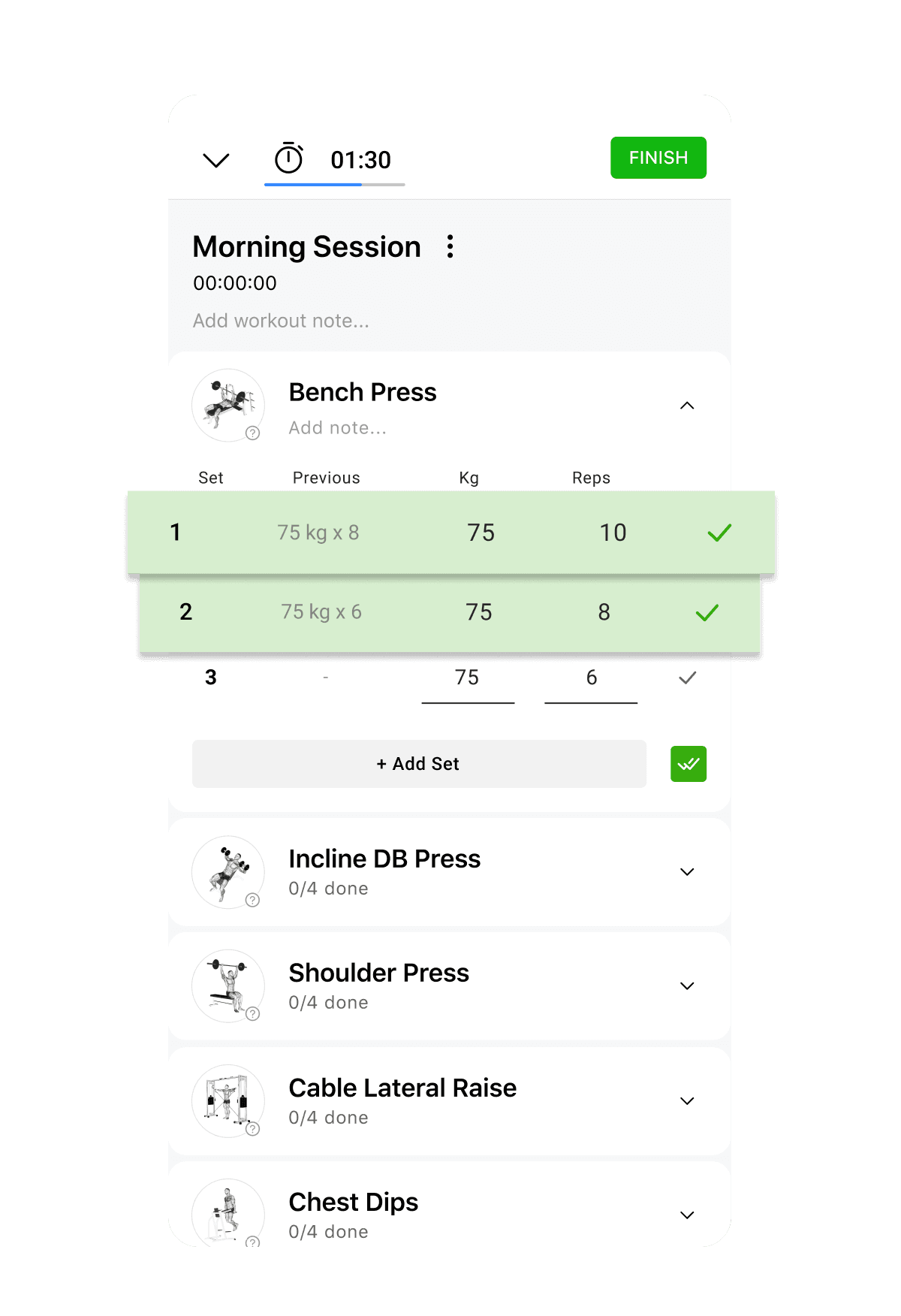
✓ Track and log your lifts quickly and simply without pen & paper
✓ Integrated Auto rest timer
✓ Tag sets as Warm Up, Failure, Drop sets, Negative reps, Left and Right
✓ Create Supersets, Giant sets or Grouped exercises
✓ Add notes to your workouts and exercises
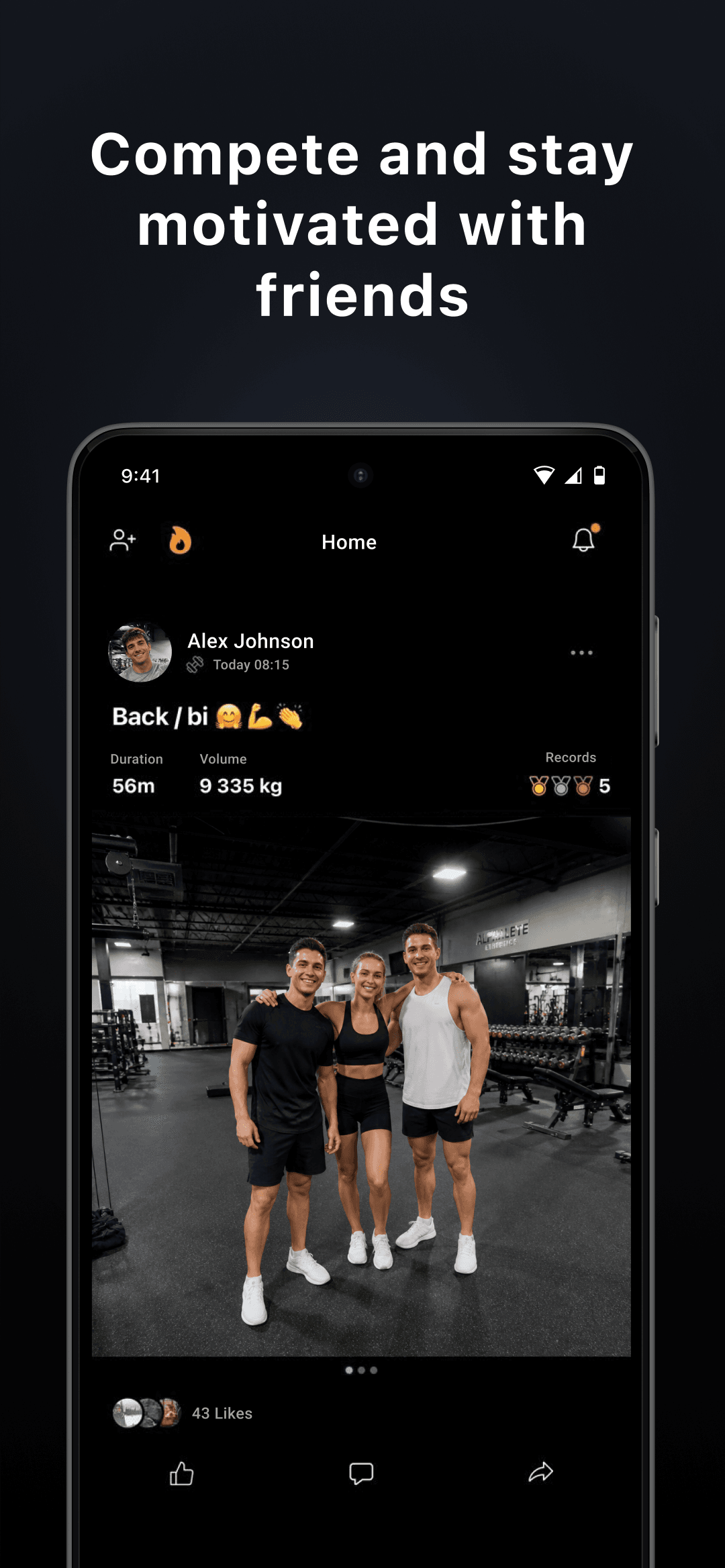
✓ Sharing workout routines with friends or clients is now simpler than ever with Lyfta!
Simple Plans That Actually Work
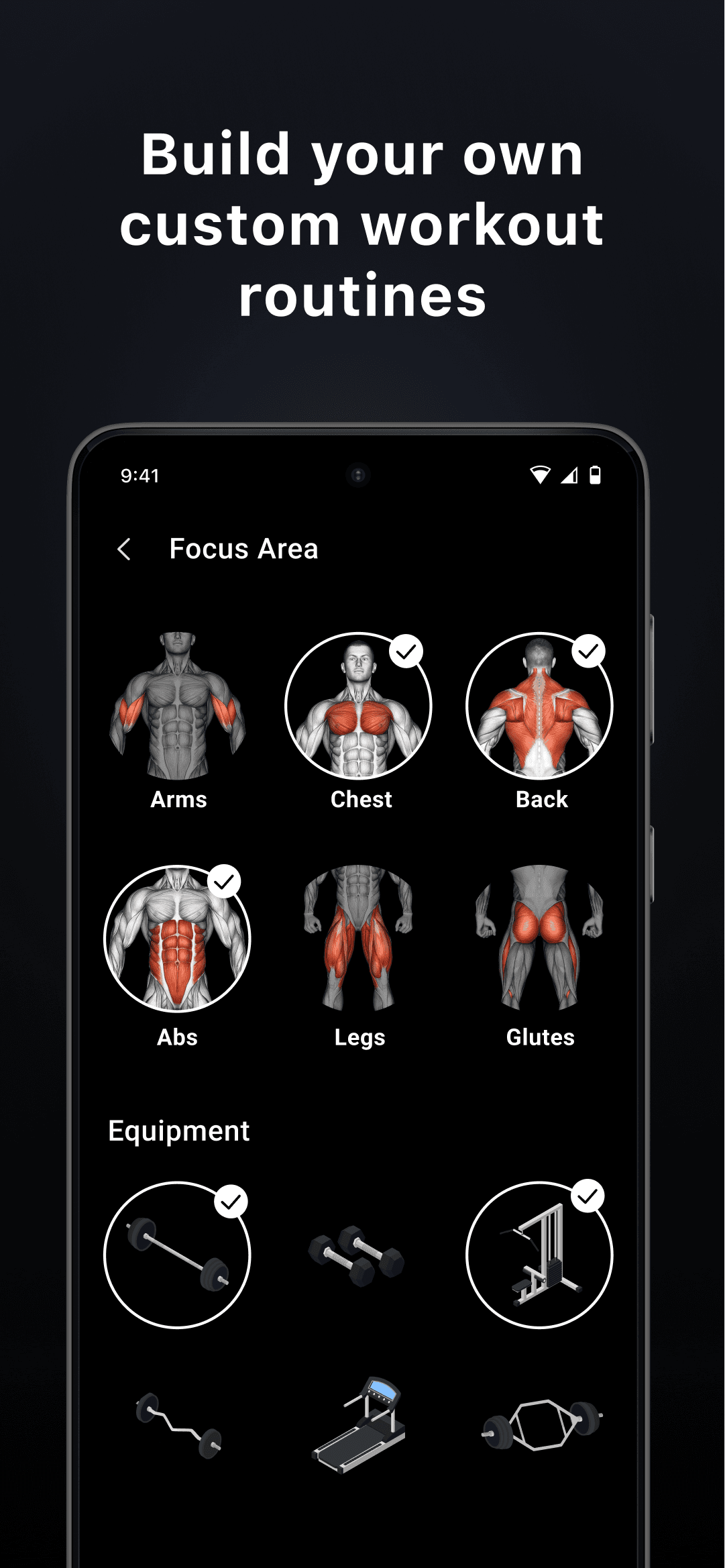
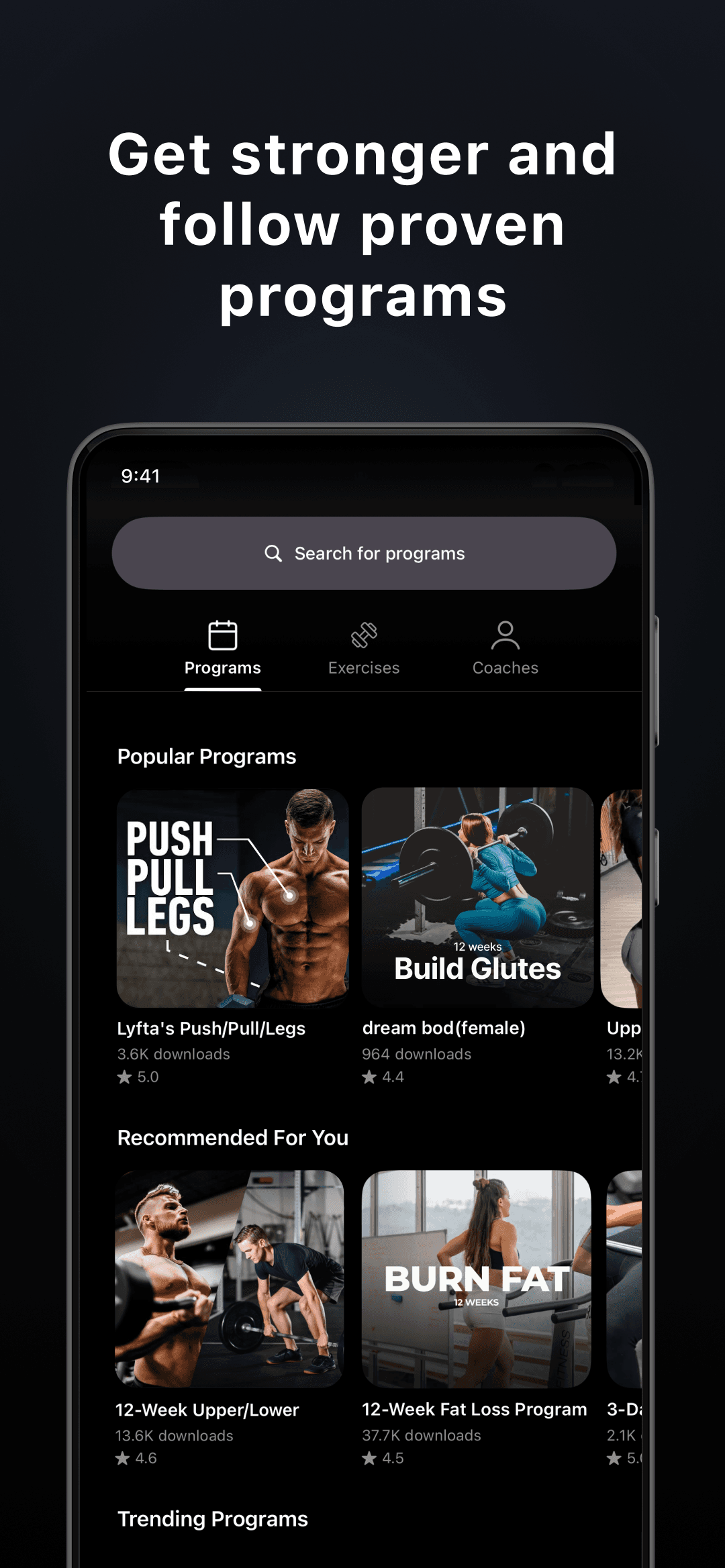
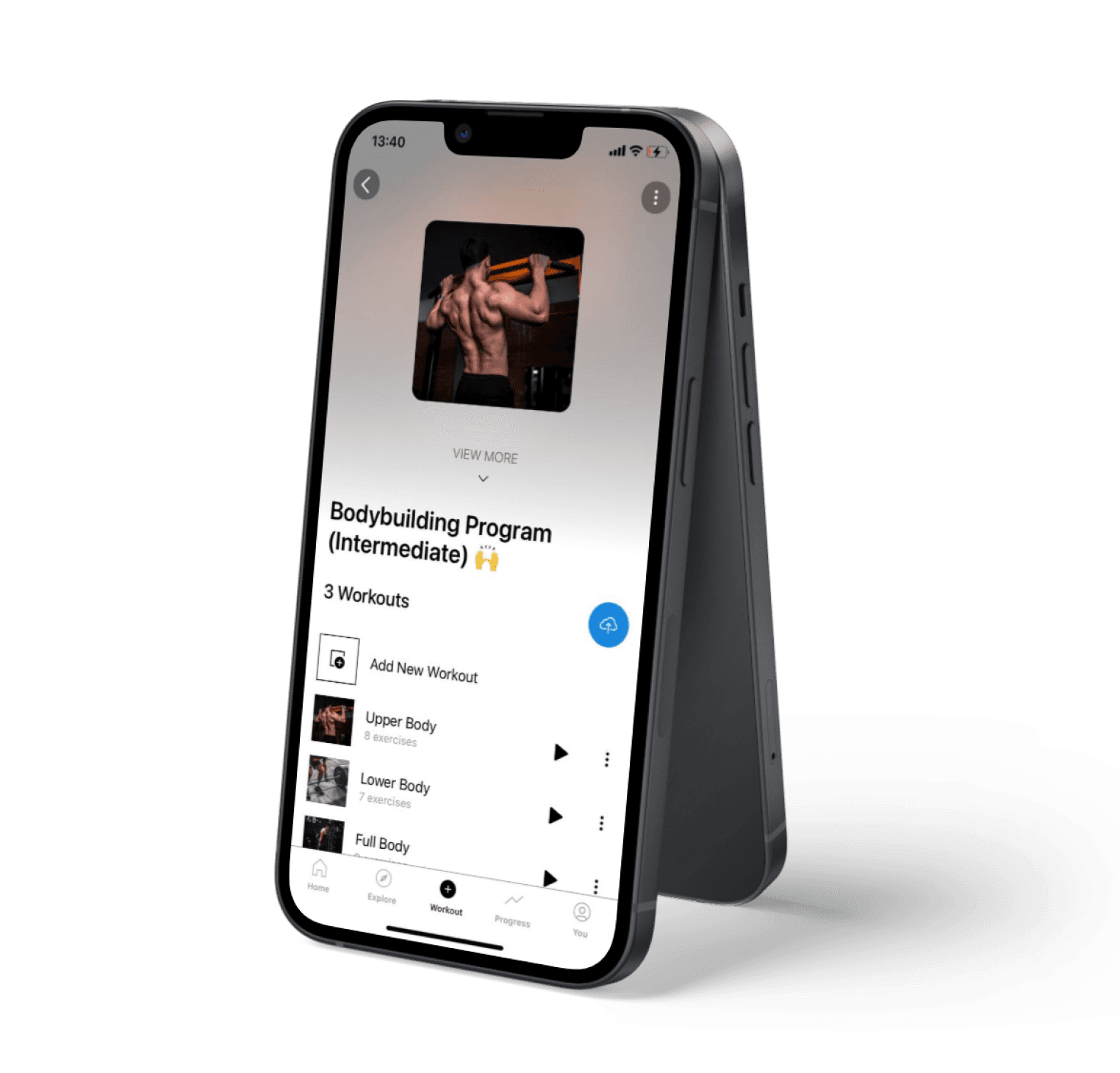
You do not need a complicated program to make progress as a beginner. Lyfta lets you build simple routines or use the free AI workout generator to create a plan based on your goals and available equipment. Start with a handful of exercises you can do well, track your numbers, and add weight gradually. The app stores your workout history so you always know what to do next.
Learn Every Exercise with Video Guides
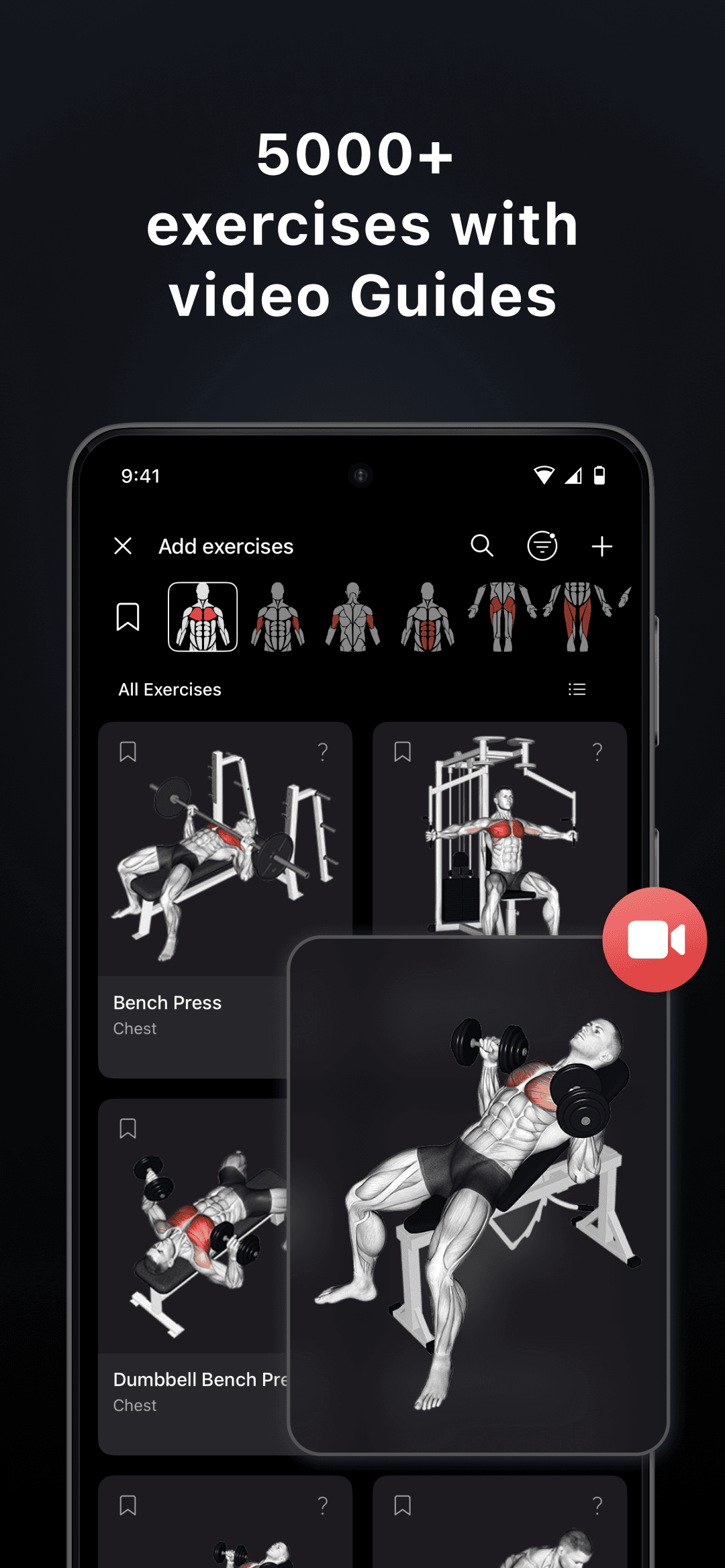
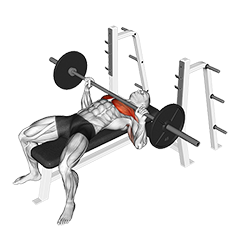
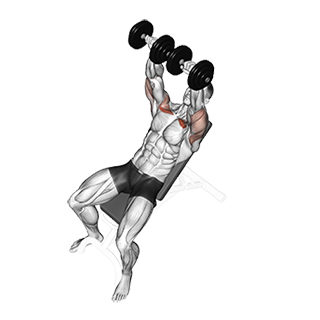
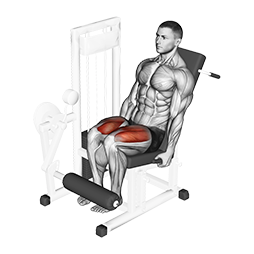
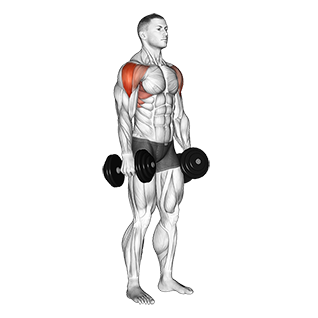
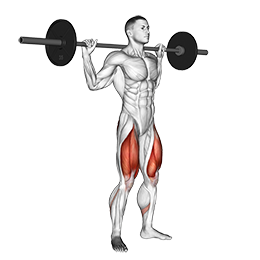
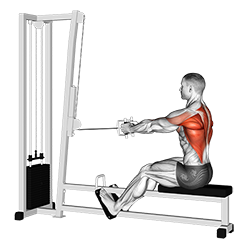
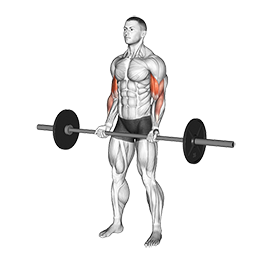
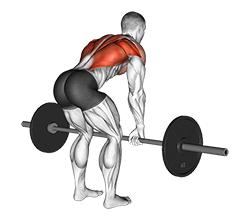
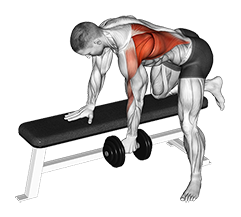
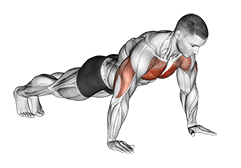
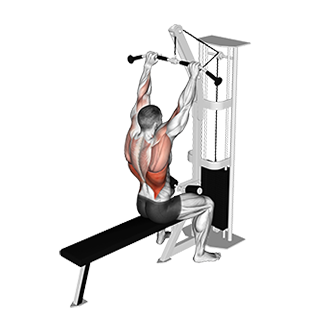
Not sure how to do a squat, deadlift, or row? Lyfta has 5,000+ exercises with HD video demonstrations and step-by-step instructions. Watch the form, read the cues, then try it yourself. The library covers everything from basic barbell movements to machines and bodyweight exercises — so whatever equipment your gym has, you can find exercises that match.
LYFTA Exercise Library
Browse 5,000+ exercises
_Upper-Arms_small.png&w=3840&q=75)
Join the community of 7M+ users